10 Best BuiltWith Alternatives (2026)
BuiltWith is one of the best-known tools for finding out what a website is built with, and it has a lot of happy customers. It tracks over 127,000 technologies, and sales, marketing and research teams use it to build lead lists and see which websites use which technologies. That said, there are many reasons why you might look for an alternative, like:
- Lead lists start on the $295 per month plan, which covers 2 technology lists a month
- It covers every kind of website, so a specialist tool can go deeper on one type of business, like ecommerce
- It may not have the fields you need for a certain use case
So without further ado, here are 10 alternative options.
Last updated: September 2026.
1. Merchant Data
Merchant Data is an alternative to BuiltWith that is specifically for ecommerce, and specifically for India.
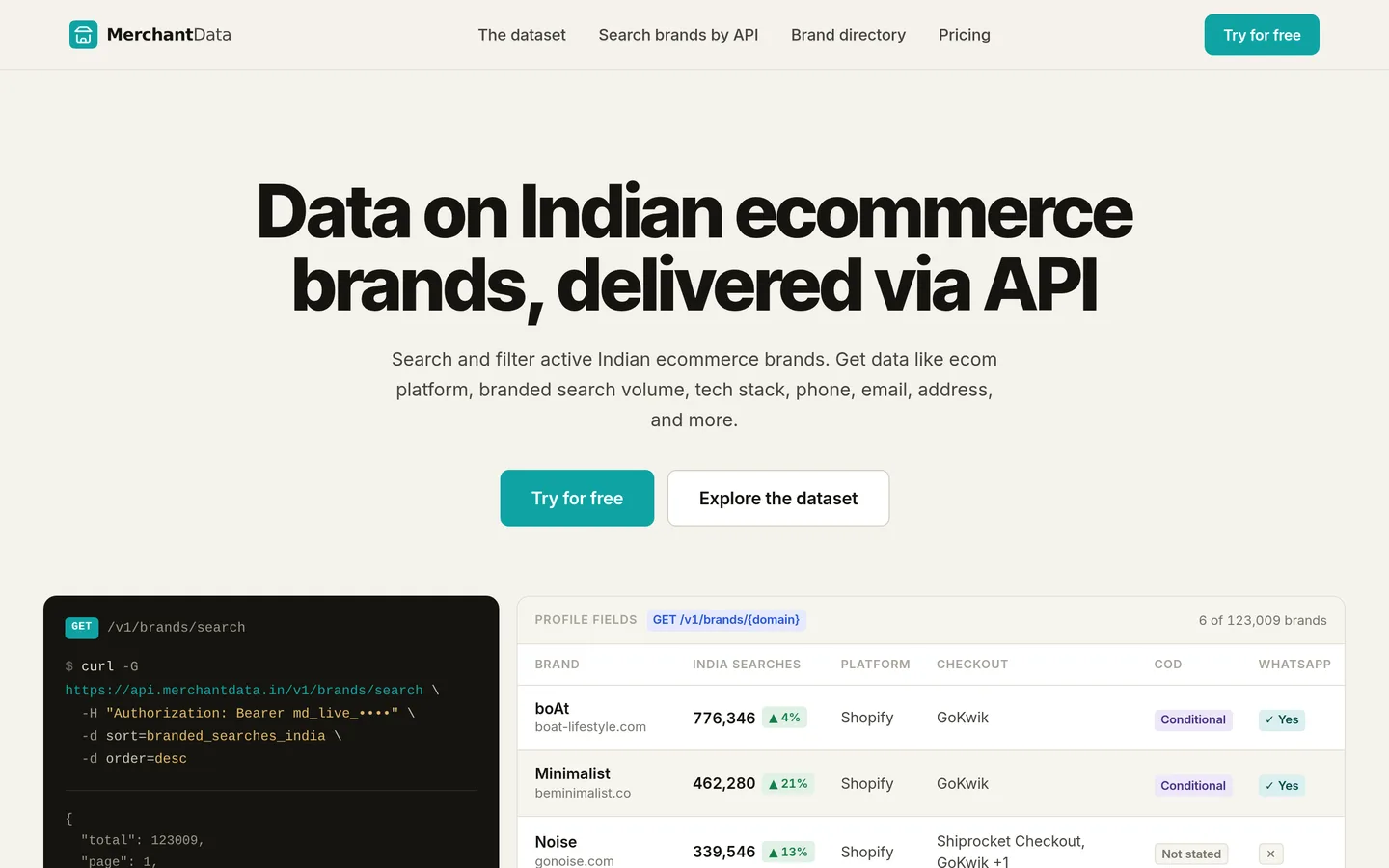
It offers most of the functionality of BuiltWith, via API only, and for Indian ecommerce brands only. The API lets you:
- Search & filter Indian ecommerce brands by what they sell, their tech stack etc.
- Get “Brand profiles” that include tech stack, contact details, popularity & more
- Get each brand’s product catalogue (for Shopify & WooCommerce stores)
See the documentation here, and visit the homepage here.
Merchant Data vs BuiltWith
- Of course the big difference is scale. BuiltWith is a much larger, global operation. Merchant Data is smaller, and specialized in Indian ecommerce.
- Merchant Data has more detail on what each brand sells, including product types and collections. BuiltWith gives each site a broad industry category, but other than that, only product names.
- Merchant Data’s pricing is more accessible, including a pay-as-you-go option, and an affordable annual plan.
- BuiltWith has both a web UI and an API; Merchant Data is API-only.
Merchant Data pricing
Merchant Data pricing is very simple. You either pay per credit ($0.03 per credit) or buy unlimited for $999 per year (works out at ~$83 per month).
2. Wappalyzer
Wappalyzer started as a browser extension that shows which technologies a website uses. It now also builds prospect lists by technology, which makes it the closest like-for-like alternative to BuiltWith.
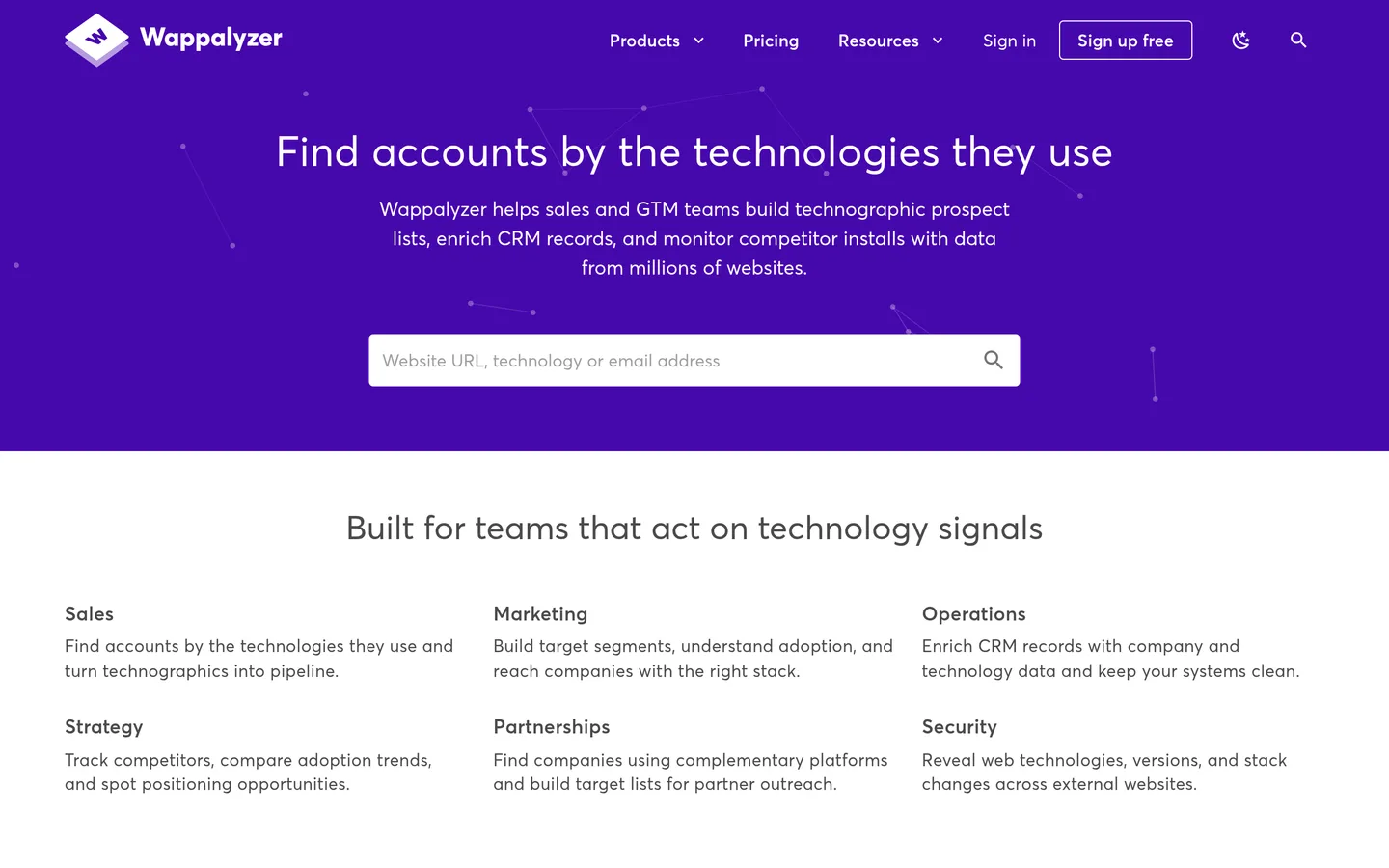
It has a web app, browser extensions and an API, which let you:
- Build lead lists of websites by technology, filtered by country, industry, company size, traffic etc.
- Look up the technologies behind any website, one at a time or in bulk
- Enrich your CRM with technology, company & contact details, and get alerts when a website’s tech changes
It tracks 8,125 technologies across 106 categories. Part of its data comes from the 2.5 million people who use its browser extension.
See the documentation here, and visit the homepage here.
Wappalyzer vs BuiltWith
- Wappalyzer is cheaper to start: a free plan with 50 lookups a month, a $10 per month plan for single lookups, and lead lists from $250 per month. BuiltWith’s lead lists start at $295 per month.
- BuiltWith tracks far more technologies (127,000+ against 8,125), and adds estimated revenue, product counts and technology spend, which Wappalyzer doesn’t offer.
- Wappalyzer has browser extensions for Safari as well as Chrome, Firefox and Edge, and email verification built in.
- BuiltWith includes API credits on every paid plan. Wappalyzer’s API starts on its $450 per month plan.
Wappalyzer pricing
Wappalyzer has a free plan (50 lookups a month) and a $10 per month plan for single lookups. Lead lists start at $250 per month (Pro, 2 technologies a month), the API and CRM enrichment at $450 per month (Business), and Enterprise at $850+ per month. Paying yearly saves 17%.
3. Similarweb
Similarweb is a digital data company best known for estimating website traffic. Its Sales Intelligence product adds the technologies each website uses, plus contact details, for teams selling to online businesses.
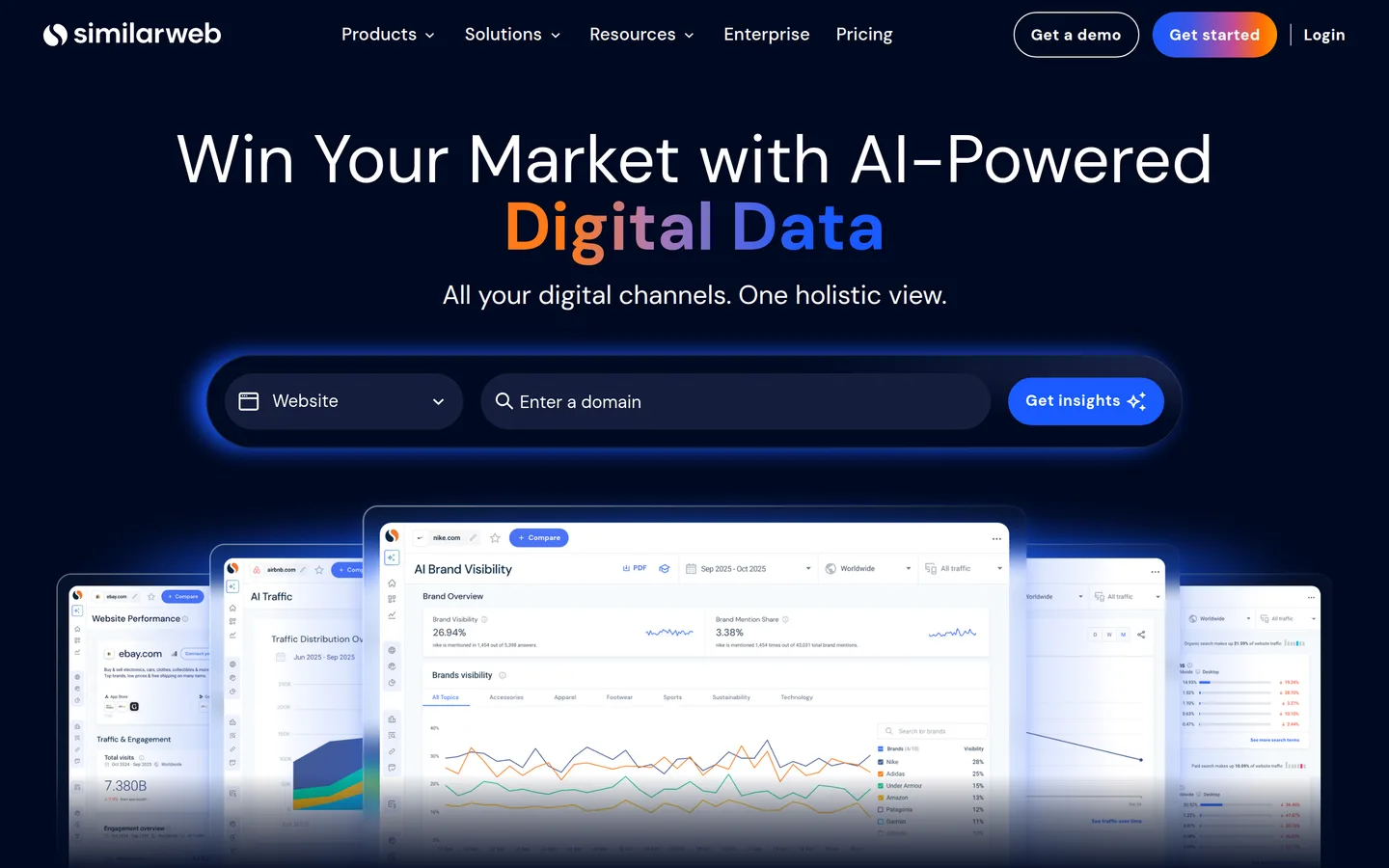
It has a web app, a Chrome extension and an API, which let you:
- See traffic estimates for any website: monthly visits, where visitors come from, marketing channels etc.
- Build lead lists with 50+ filters, including technologies used, traffic growth and online revenue
- Get contact details (emails & direct phone numbers) and export them to a CSV, Salesforce or HubSpot
Its free website shows headline traffic figures for a website, as a sample of the paid data.
See the documentation here, and visit the homepage here.
Similarweb vs BuiltWith
- Similarweb’s core is traffic: visits, unique visitors, marketing channels and visitor geography. BuiltWith gives traffic as rank positions (from sources like Tranco and Chrome’s CrUX report) rather than visit numbers.
- BuiltWith tracks many more technologies (127,000+), with history going back years.
- Both include contact details in their lead lists.
- BuiltWith publishes its prices for list building and API credits. Similarweb’s API and CRM integrations are on plans priced through its sales team.
Similarweb pricing
Similarweb sells each product separately. Sales Intelligence starts at $99 per month billed yearly ($129 paid monthly) for 1 user and 1,000 data credits, with CSV export but no API. The Business and Enterprise plans, which include the API and CRM integrations, are priced on request. Web Intelligence (traffic research) costs $125 to $542 per month billed yearly. There is a 7-day free trial.
4. TheirStack
TheirStack works out the technologies a company uses from its job postings, rather than from its website. It says it tracks over 32,000 technologies across 13 million companies, from 245 million job posts.
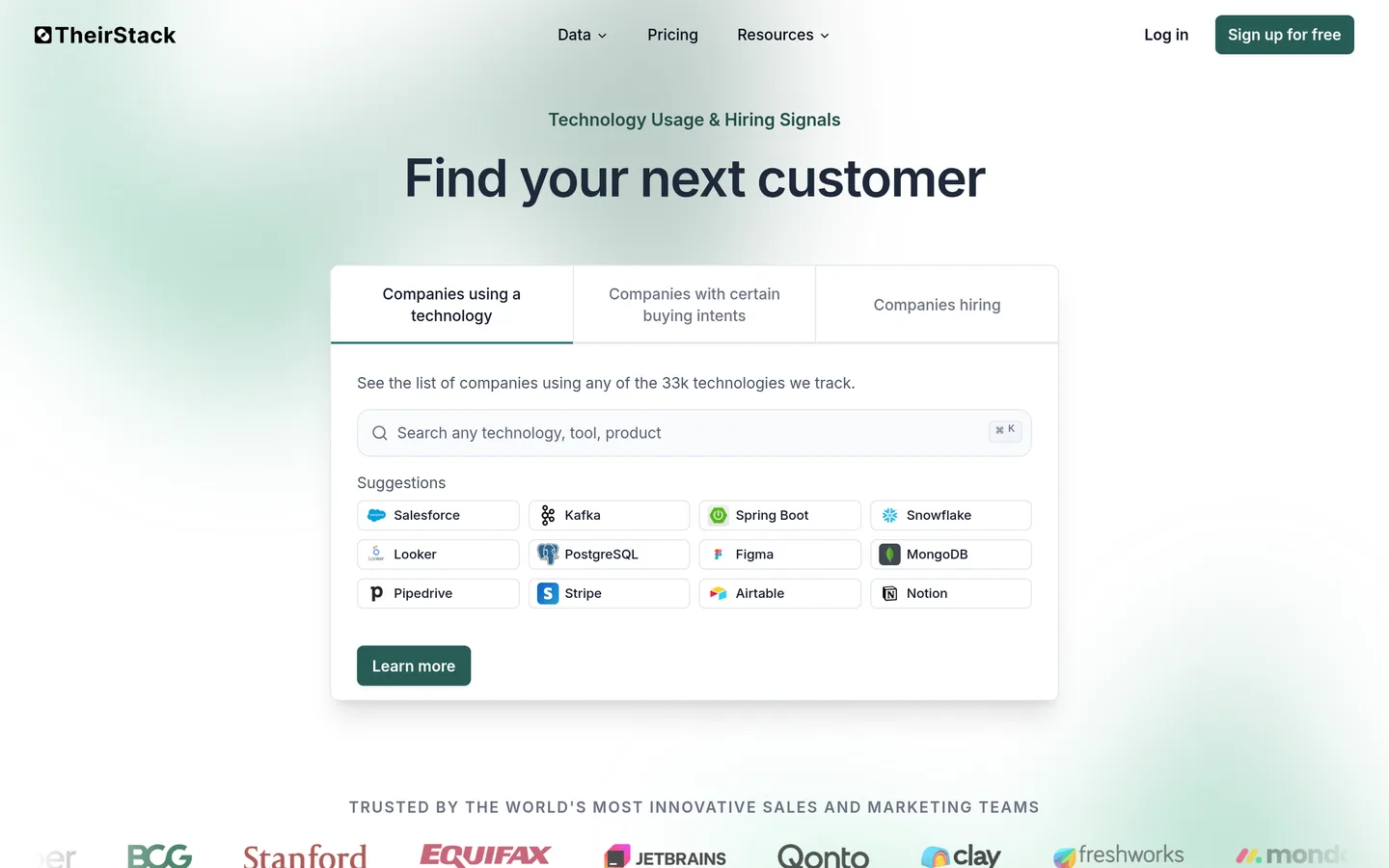
It has a web app and an API, which let you:
- Find companies that use a technology, with a confidence level and links to the job posts it was found in
- Look up any company’s tech stack by name or domain, or enrich your own list of companies
- Filter by what a company is hiring for, plus industry, country, size, funding etc.
Because it reads job posts, it can pick up tools that never appear on a website, like databases (PostgreSQL, MongoDB) or internal software. TheirStack is also clear about the flip side: a company that never mentions a tool in its job posts, or isn’t hiring, won’t show up for it.
See the documentation here, and visit the homepage here.
TheirStack vs BuiltWith
- TheirStack can see tools that never appear on a website. BuiltWith detects what a website itself loads.
- BuiltWith covers any website, whether or not the company is hiring.
- BuiltWith’s lead lists include contact names & emails, and it connects directly to CRMs. TheirStack has no contact data of its own (it points you to tools like Apollo.io), and connects to other tools through its API, webhooks, Zapier, Make or Clay.
- TheirStack is cheaper to start, with a free plan, credit packages from $109 and API plans from $49 per month.
TheirStack pricing
TheirStack has a free plan (50 company credits and 200 API credits a month). In the app you buy credit packages, from $109 for 1,000 companies up to $999 for 200,000, or subscribe monthly for 10% less. API plans run from $49 per month (1,500 credits) to $5,500 per month (5 million credits), and a company tech-stack lookup costs 3 credits.
5. HG Insights
HG Insights is a B2B technology intelligence company for revenue and marketing teams. It goes beyond whether a company uses a technology, to how widely it is deployed and how much the company spends on it.
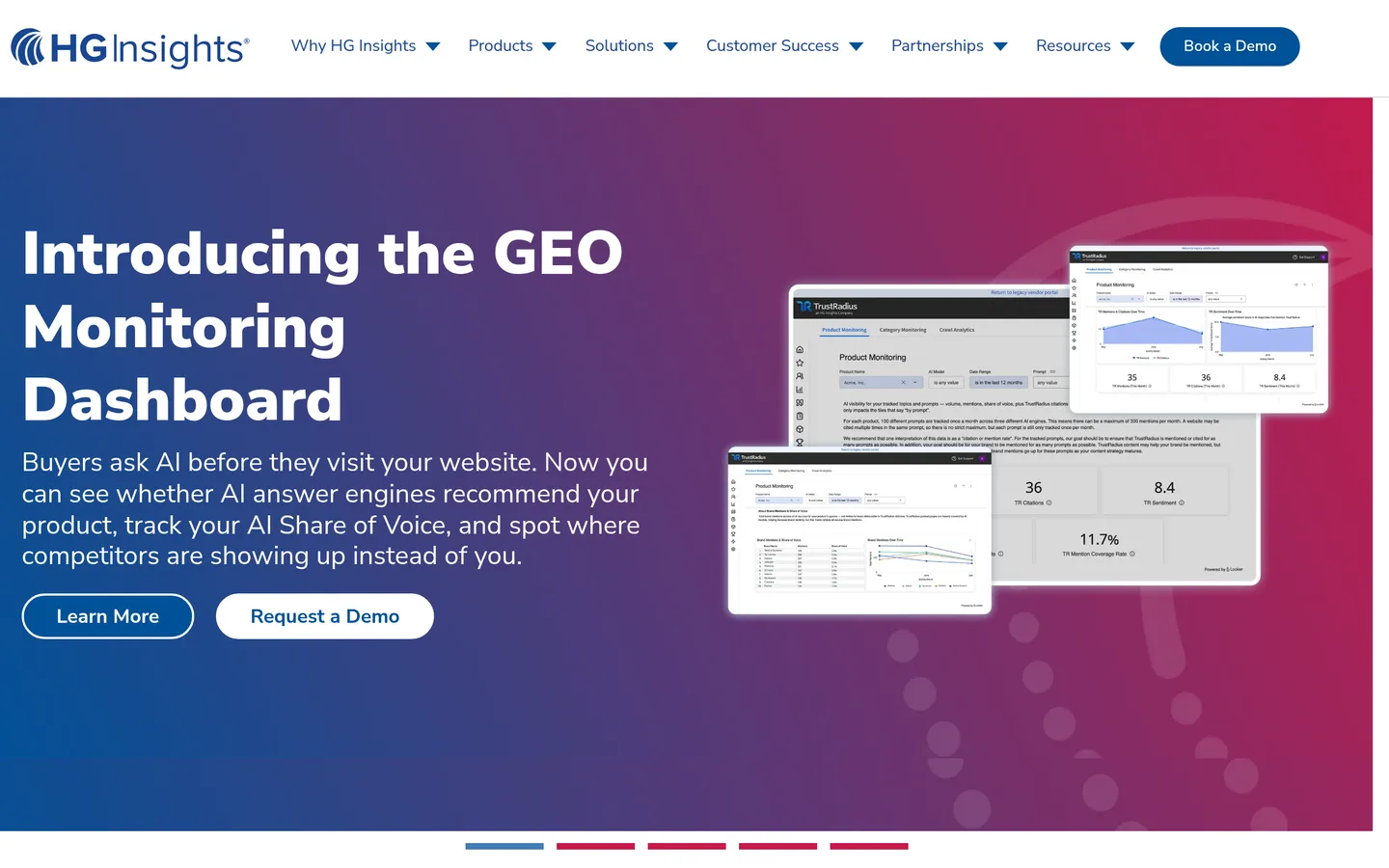
It has a web app, a Chrome extension and an API, which let you:
- Build ranked lists of target companies by technology, company size, industry, location and IT spend
- See each company’s IT spend by category and vendor, plus technology contracts (vendor, value, start and end dates) where available
- Get verified decision-maker emails & phone numbers, and send them to Salesforce, HubSpot, Outreach or Salesloft
It collects data from many kinds of documents and sources, checked by people, so it can find software used inside a company that a website scan would miss. It also owns TrustRadius, the software review site, and uses its research activity as buying-intent data.
See the documentation here, and visit the homepage here.
HG Insights vs BuiltWith
- HG Insights has spend, contract and department-level data that BuiltWith doesn’t. BuiltWith estimates what a website spends on web technologies; HG Insights covers a company’s wider IT spend.
- BuiltWith works from the website, so it covers any site, including small businesses. HG Insights is built around companies (13.2 million in its technology database) and is priced for larger sales teams.
- BuiltWith is self-serve, from $295 per month, with free single-site lookups. HG Insights is sold on yearly contracts from $22,000, with no free trial.
HG Insights pricing
HG Insights plans are sold on two-year terms (one-year terms cost 10% more). Starter is from $22,000 per year (8,000 credits, 5 seats) and Growth from $45,000 per year (19,000 credits, 10 seats). Enterprise, which lists the full API, is priced on request. There is no free trial, but its technology search tool at discovery.hginsights.com is free to use.
6. Store Leads
Store Leads is a database of ecommerce stores. Where BuiltWith covers every kind of website, Store Leads covers online stores only: 13.8 million active stores across 409 ecommerce platforms.
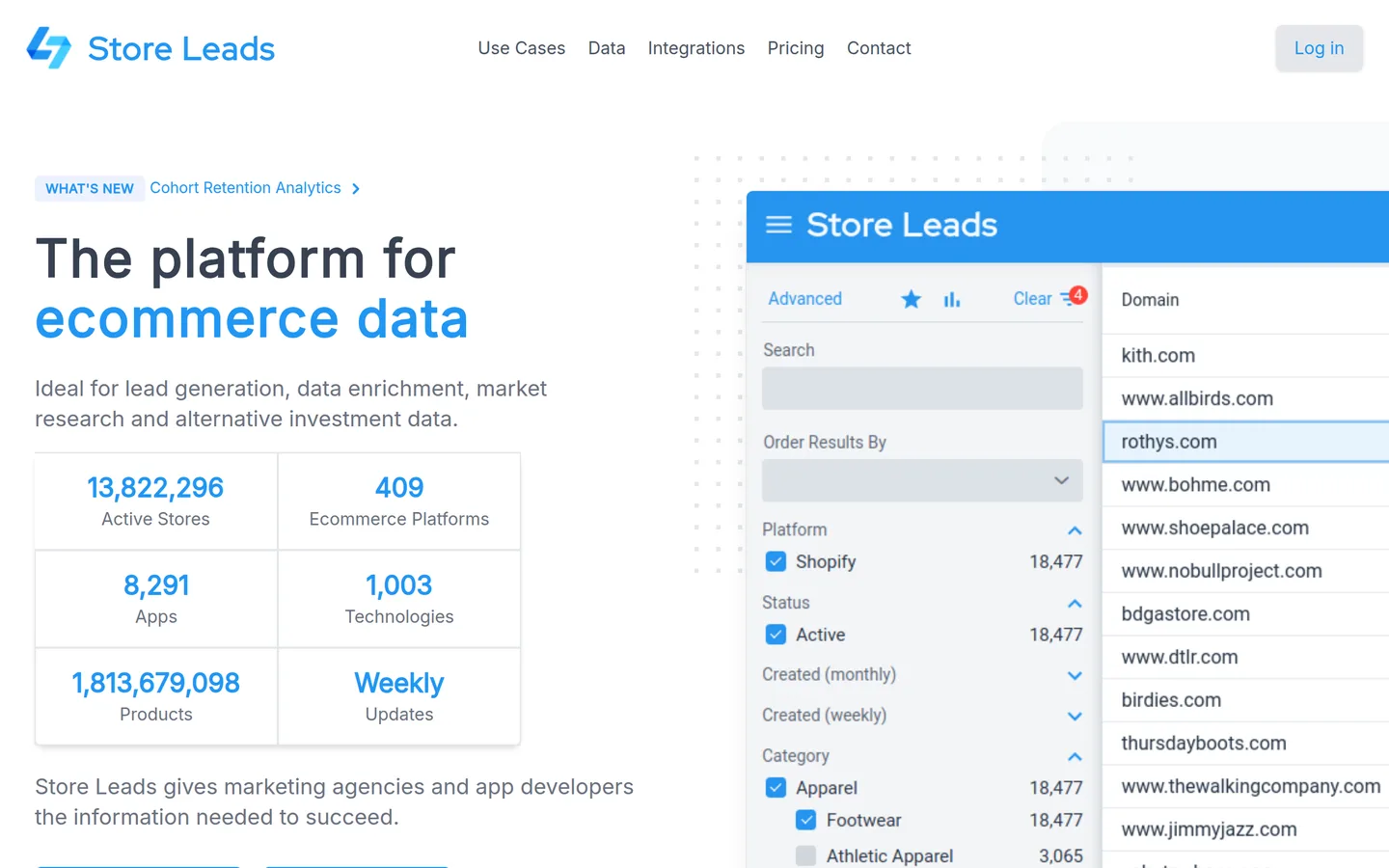
It has a web app, a Chrome extension and an API, which let you:
- Search & filter stores by platform, installed apps, technologies, country, category, estimated sales etc.
- Get store profiles with estimated sales & visits, employee count, product count, store emails & phone numbers and social accounts
- Sync stores to HubSpot, Salesforce, Pipedrive or Outreach, and trigger actions when a store installs or removes an app
Its app data is deepest for Shopify: 8,229 of the 8,291 apps it tracks are Shopify apps, and its 1.8 billion products come from Shopify stores.
See the documentation here, and visit the homepage here.
Store Leads vs BuiltWith
- Store Leads is built only for ecommerce, and tracks store apps (8,291) and products store by store. BuiltWith covers every kind of website, with ecommerce as one part of its 127,000+ technologies.
- Store Leads is cheaper to start ($75 per month), and its $250 plan includes exports and the API. BuiltWith’s list plans start at $295 per month.
- BuiltWith includes contact names, emails & titles in its exports. Store Leads gives store emails & phone numbers, and connects to Apollo.io, ContactOut and others for named contacts.
- BuiltWith’s history is on every paid plan. Store Leads’ historical data is on its $950 per month Enterprise plan.
Store Leads pricing
Store Leads plans are $75 per month (Premium, no exports or API), $250 per month (Pro, exports and API, stores on 2 ecommerce platforms of your choice), $450 per month (Elite, all platforms) and $950 per month (Enterprise, product search and historical data). Paying yearly saves 15%, and a free account shows a limited preview.
7. NerdyData
NerdyData is a search engine for website source code, with a technology catalogue on top. You can search for any HTML, JavaScript, CSS, cookie or HTTP header, not only the 1,130 technologies it tracks by name.
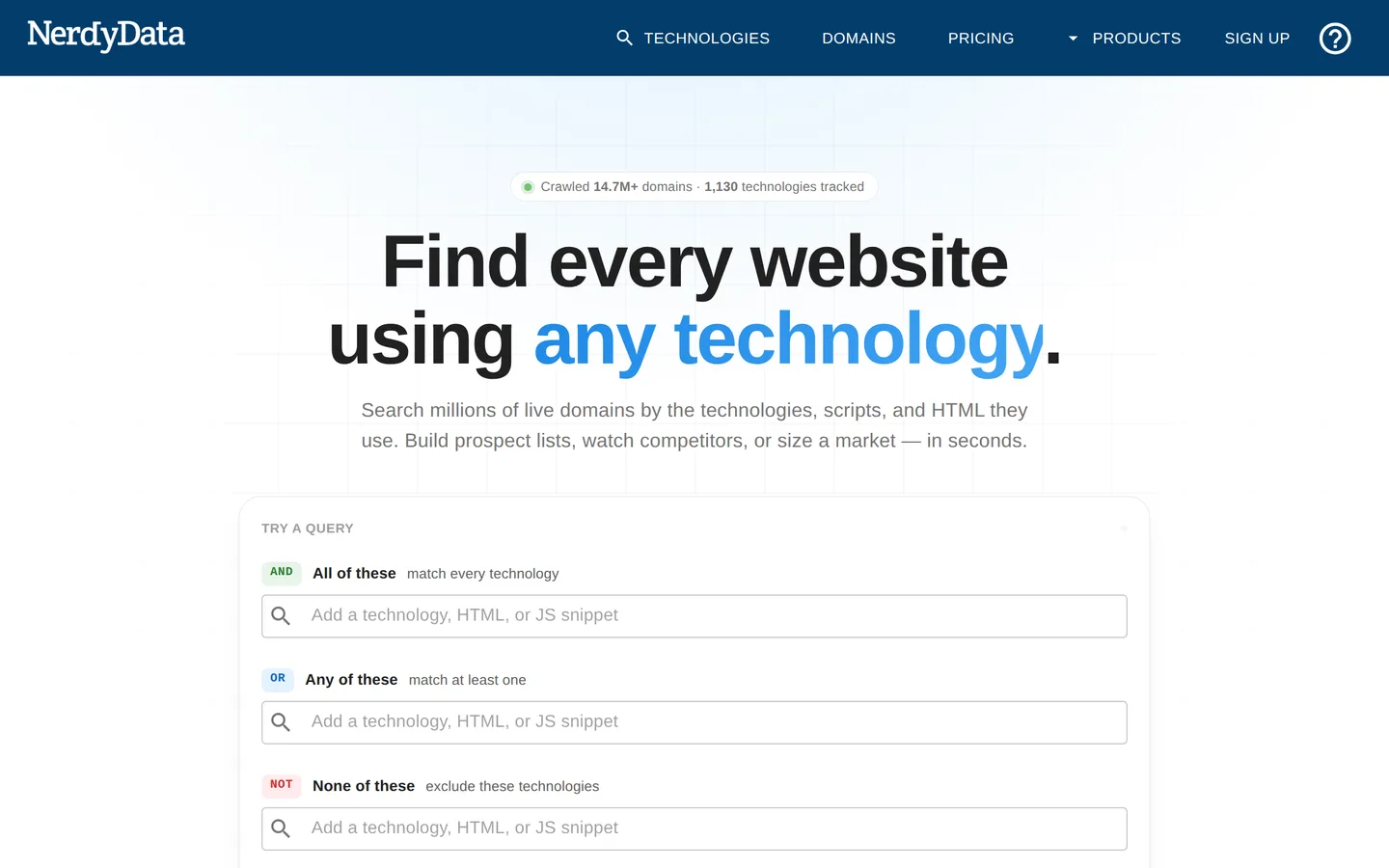
It has a web app, browser extensions and an API, which let you:
- Find every website that uses a technology, or whose code contains any snippet you choose
- Download lists of the matching sites, with no limit on the number of downloads
- Look up any single site with its free Chrome and Firefox extensions
It also sells a search of older versions of pages, across 3 billion archived pages, as a separate product.
See the documentation here, and visit the homepage here.
NerdyData vs BuiltWith
- NerdyData can search for any piece of code, not only named technologies. BuiltWith’s catalogue of named technologies is much larger (127,000+ against 1,130).
- BuiltWith adds company data to each site: revenue estimates, contact names & emails, spend and history. NerdyData focuses on finding the sites.
- NerdyData’s paid plans include unlimited downloads, from $200 per month. BuiltWith’s cheapest list plan is $295 per month, for 2 technology lists a month.
- BuiltWith includes API credits in every paid plan. NerdyData bills its API separately, per call.
NerdyData pricing
NerdyData plans are $200, $300 and $1,000 per month, each for 1 user, with unlimited downloads of up to 5,000, 200,000 or 1,000,000 rows at a time. The API is billed separately, pay as you go: the first 50 searches and 50 domain lookups are free, then $0.06 to $0.15 a call.
8. PublicWWW
PublicWWW is a search engine for website source code. Instead of a list of known technologies, it lets you search the HTML, JavaScript and CSS of over 900 million web pages for any snippet of code.
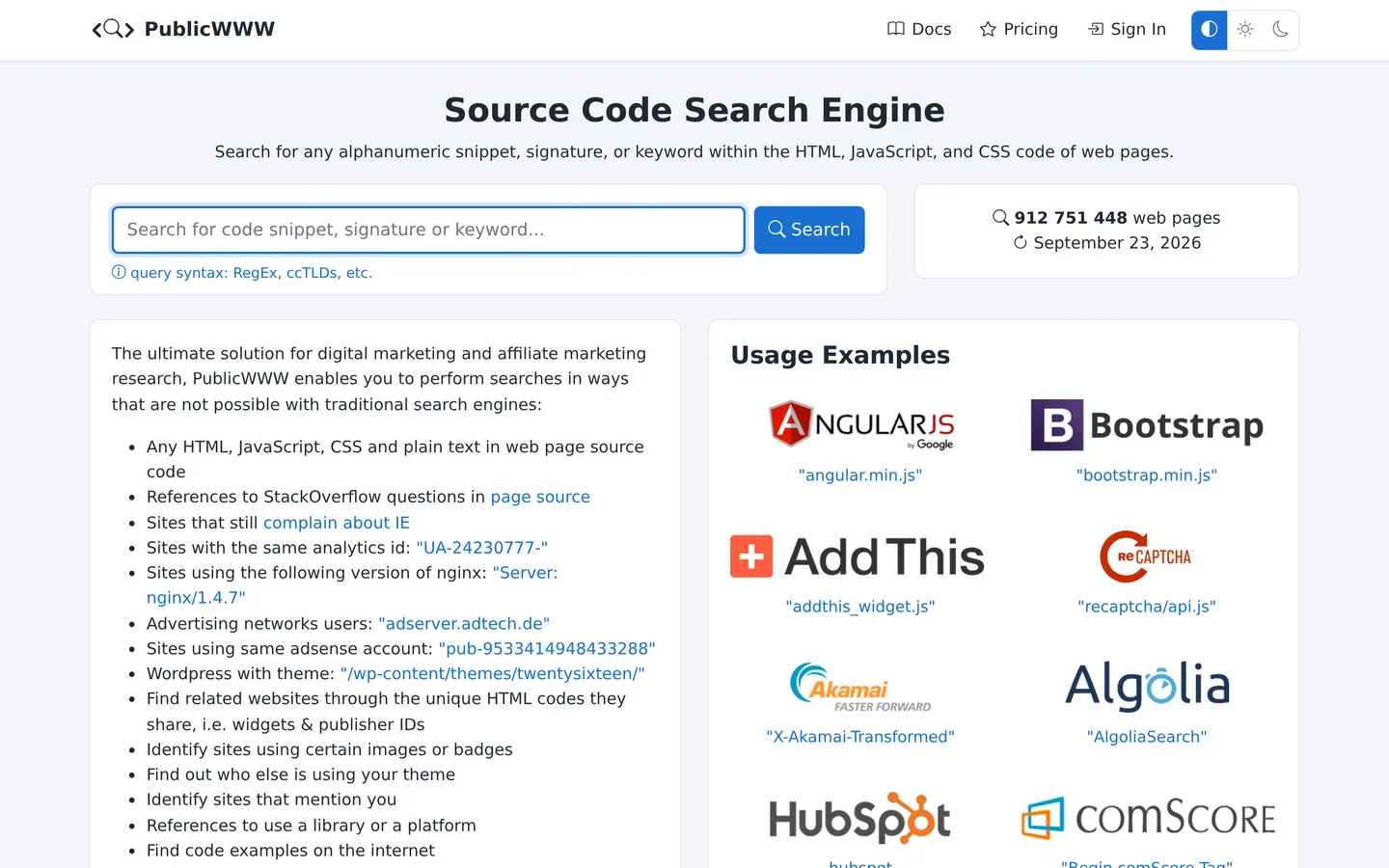
It is a search tool (with an API on paid plans) that lets you:
- Find every website whose code contains a given snippet, like a script, a tracking ID or a theme name
- Narrow results by domain ending (e.g. only .de sites), and search inner pages, not only homepages
- Download results as a CSV, and pull emails & phone numbers out of the sites you found
It suits searches that no technology database covers, like finding every site that loads a particular script or uses a particular analytics account.
See the documentation here, and visit the homepage here.
PublicWWW vs BuiltWith
- PublicWWW can find any piece of code, including scripts BuiltWith doesn’t list as a technology. BuiltWith reports the 127,000+ technologies it has catalogued.
- BuiltWith adds company data to each site (revenue estimates, contacts, spend, history). PublicWWW gives a list of URLs ranked by popularity, with snippets of the matching code.
- PublicWWW is cheaper: paid plans with API access start at $109 per month, against $295 for BuiltWith.
- PublicWWW’s only country filter is the domain ending (e.g. .de). BuiltWith filters by country, state and city.
PublicWWW pricing
PublicWWW has a free plan that covers the top 3 million websites, with up to 1,000 results per search. Paid plans are $109, $199 or $499 per month ($1,090, $1,990 or $4,990 per year), and all three include the API. You can also buy a single day for $49 or a week for $79.
9. Apollo.io
Apollo.io is a sales platform built on a database of 240 million contacts and 30 million companies. Technology is one of its 65+ search filters, next to industry, headcount, revenue and location.
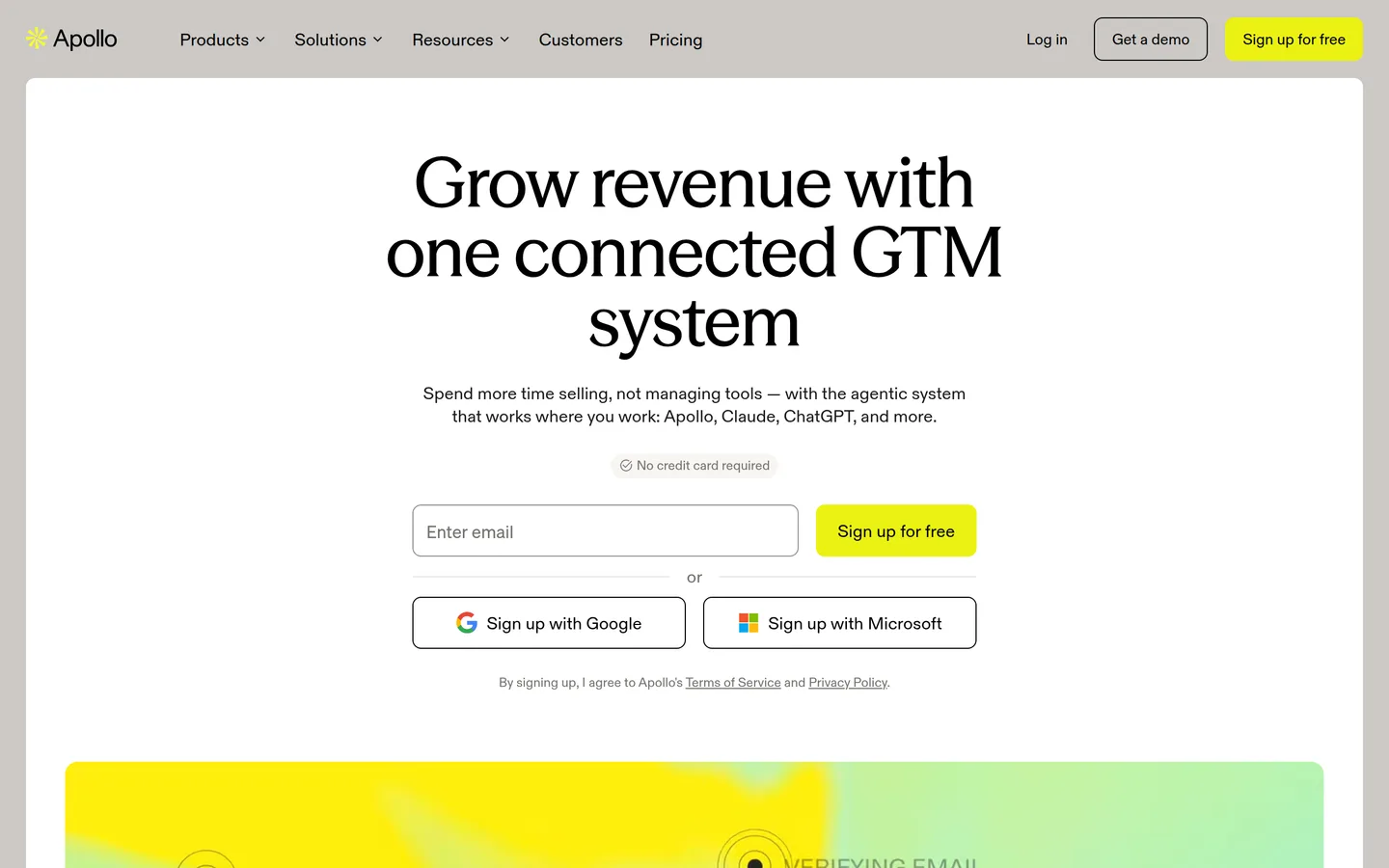
It has a web app, a Chrome extension and an API, which let you:
- Search companies & people by the technologies they use (e.g. Shopify, Klaviyo, Salesforce), plus location, industry, headcount, revenue etc.
- Get verified emails & phone numbers for decision makers
- Run outreach from the same tool: email sequences, a dialer and CRM sync
See the documentation here, and visit the homepage here.
Apollo.io vs BuiltWith
- Apollo is far stronger on people: names, job titles, emails & phone numbers, with outreach built in. BuiltWith’s lead lists include contact names, emails and titles, but it is not a people database.
- BuiltWith goes much deeper on technology: 127,000+ technologies detected on each website, with years of history. Apollo’s technology filter covers a smaller list.
- Apollo is cheaper to start, with a free plan that includes API access and paid plans from $49 per user per month.
Apollo.io pricing
Apollo.io has a free plan (75 credits per user per month). Paid plans are $49, $79 or $119 per user per month billed yearly (Basic, Professional, Organization), or $65 and $99 paid monthly for the first two. Credits pay for contact details: an email costs 1 credit and a mobile number 8. Its standard plans are for internal use only, so reselling the data or building a product on it needs a separate agreement.
10. WhatRuns
WhatRuns is a free browser extension that shows the technologies behind the website you’re looking at, at the click of a button.
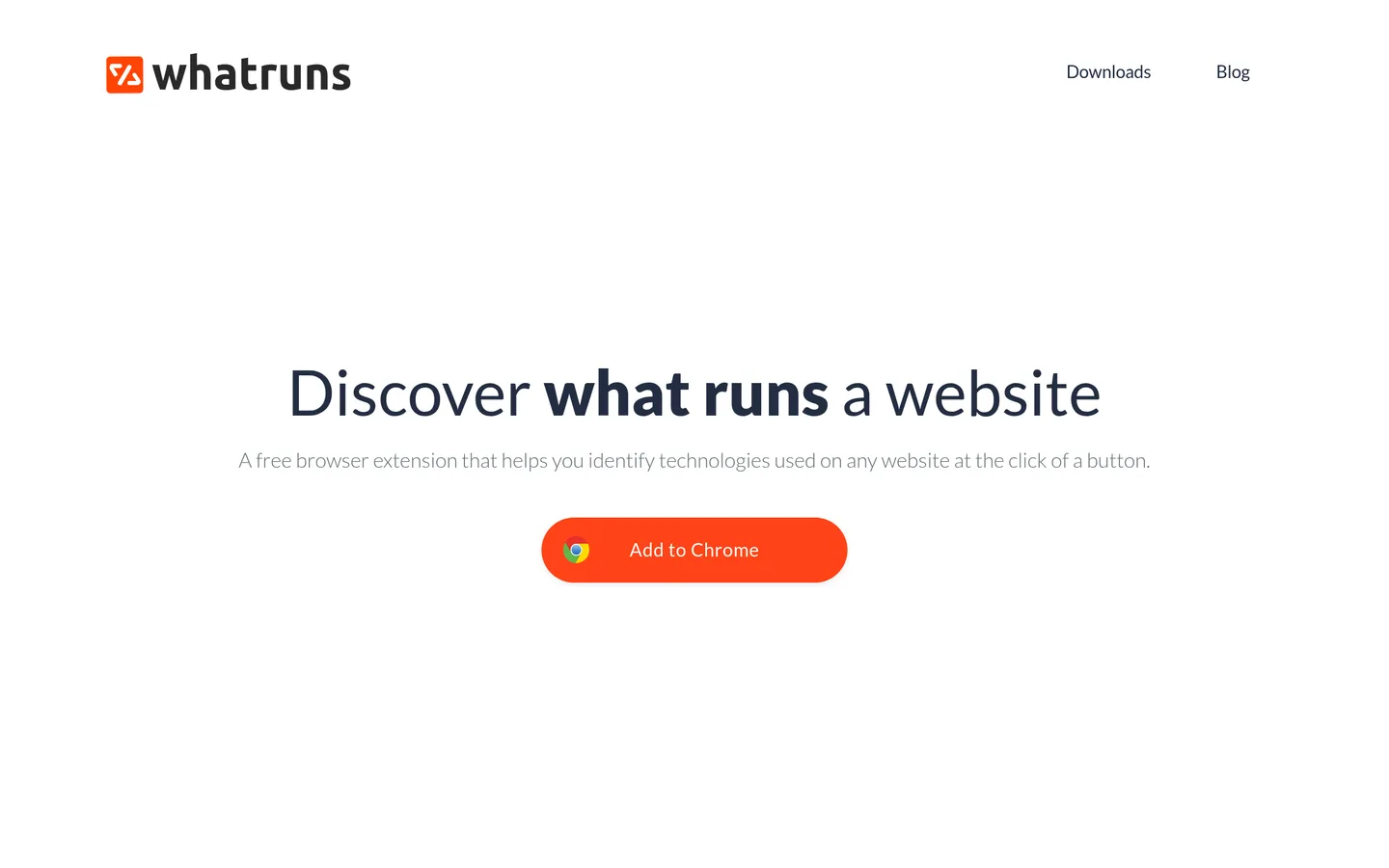
It is an extension for Chrome and Firefox that lets you:
- See what powers a website: CMS, hosting, analytics tools, WordPress plugins & themes, fonts etc.
- Follow websites and get notified when they start or stop using a technology
It is still maintained: the Chrome version was last updated in April 2026, and has 400,000 users.
WhatRuns vs BuiltWith
- WhatRuns is free. BuiltWith’s single-site lookups are free too, but its lists start at $295 per month.
- WhatRuns looks up one site at a time. BuiltWith builds lists of every site using a technology, adds company data, and has an API.
WhatRuns pricing
WhatRuns is free to install and use.